Tag: Classifai

  • Reflections on State of the Word 2025 and the Future of AI in WordPress

    Reflections on State of the Word 2025 and the Future of AI in WordPress

    There is a moment every year when the lights dim, the livestream timer counts down, and the room settles into that familiar mix of quiet and anticipation.  This year, State of the Word left me with a feeling I have not had in a long time.  It felt like all the threads of AI work happening across WordPress finally came together.

    If you have not watched the replay, it is worth it.

    Before I dig into the part I had the privilege of contributing to, here is a quick sense of how the event landed for me.

    The WordPress AI panel and the shift happening in real time

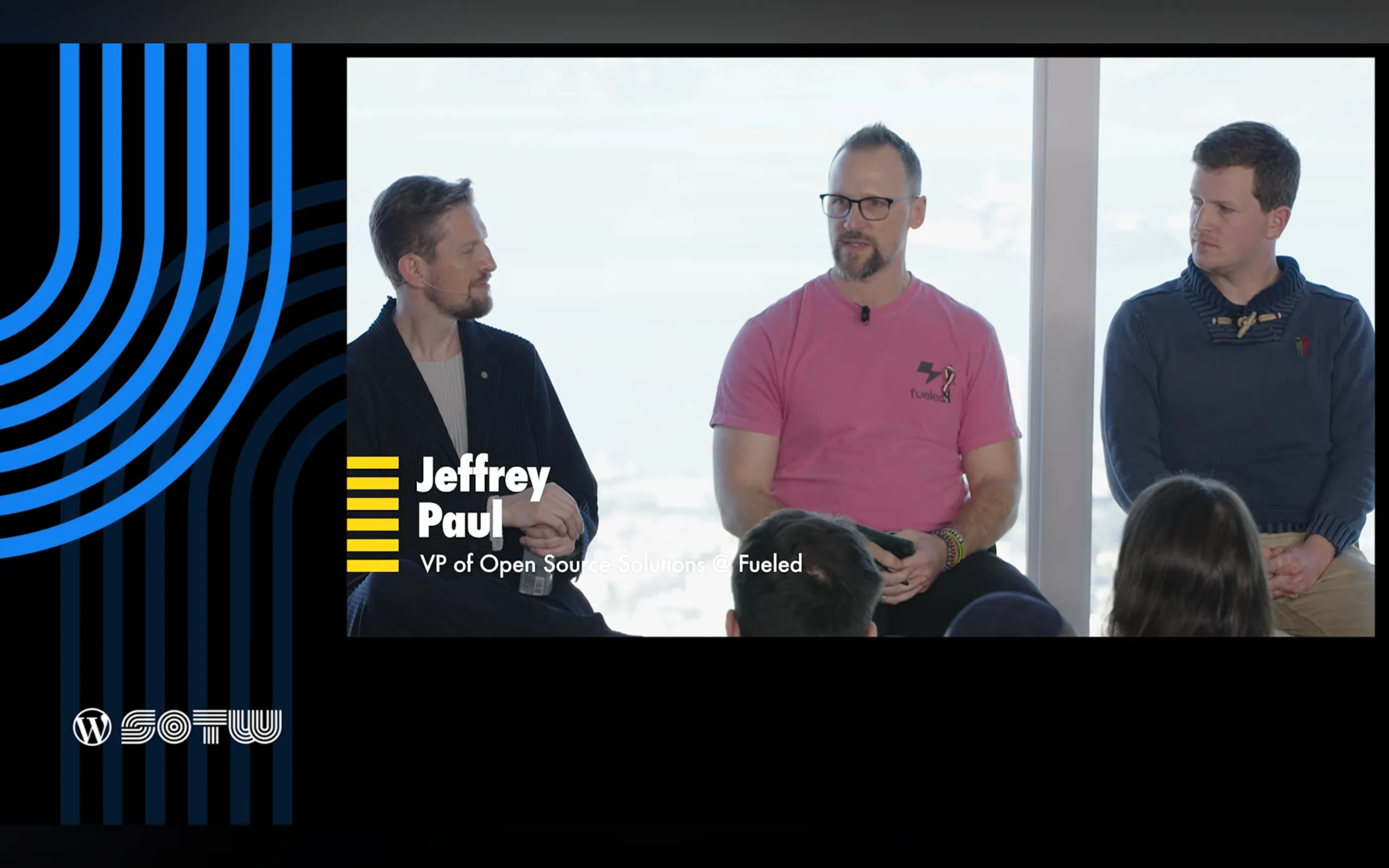
    One of the highlights of my year was joining the AI panel hosted by Mary Hubbard, alongside Matt Mullenweg, Felix Arntz, and James LePage.  Sitting on that panel, hearing how each of us approached AI from different angles, I realized we were not just discussing features.  We were describing a shift in how people will build and maintain sites in the coming years.

    This is where the “obvious and surprising things” came up.  These were ideas I shared during the panel, because they reflect what I have seen across Fueled (and 10up) client work, ClassifAI development, and now the AI Experiments plugin.

    The obvious things

    These are the patterns everyone expected to see, and they are becoming mainstream faster than many predicted.

    • Chat-based search showing up as a natural extension of site discovery
    • Local and in-browser models that run privately, offline, and at very low cost
    • AI-driven brand visibility (aka “GEO” or Generative Engine Optimization)
    • Content distribution and translation workflows that used to require entire engineering teams now becoming almost trivial

    These trends feel obvious only because the groundwork has been quietly laid for years.

    The surprising things

    The twist this year came from watching how people are starting to use the new Notes feature in WordPress 6.9.

    I mentioned this on the panel because it caught me off guard when I saw it bubbling up within the community during the 6.9 release cycle.  People are already experimenting with AI-driven content review inside Notes.  Imagine WordPress calling out accessibility issues, shifts in tone, or sections where your writing reads differently than you intended.  These are editorial tools that used to require specialized software.  Now they are emerging directly inside WordPress.

    That is when it hit me.  The AI conversation in WordPress is no longer about novelty.  It is about workflow, quality, and confidence.

    A journey that started long before this State of the Word

    For me, this work did not start with the AI Experiments plugin.  It started in 2018 when the 10up team built the first version of ClassifAI for a client who needed content classification at scale.  We open-sourced it in 2019 and kept evolving it as real publishers and agencies pushed its limits.

    Those years shaped everything I know about AI inside WordPress.  They taught me how AI fits into editorial workflows, when AI should require human review versus full automation, how permissions and provider selection affect trust, and how failure states must be designed with care.  Those lessons are now embedded in the AI Experiments plugin.

    ClassifAI will continue serving enterprise use cases with deep configurability.  It will adopt the Abilities API, MCP adapter, and WP AI Client as those stabilize in the ecosystem.

    The AI Experiments plugin takes a different path.  It offers simple, approachable example AI experiments for non-technical users, while also serving as a reference for developers, agencies, and hosts who want to build AI powered features for their customers.

    If you want a strong overview of how we are building the AI Experiments plugin, my colleague Darin Kotter wrote a great breakdown: Making AI Experiments: The Official Reference Plugin for WordPress AI.

    What is in the AI Experiments plugin today and what is coming next?

    A purple and pink background

    Version 0.1.0

    This first release set the foundation with:

    • Title Generation
    • Credentials and Settings screens
    • An experiment registry
    • An example experiment for developers

    It created the structure we needed to introduce more complex features.

    Version 0.2.0

    The next release is where the plugin starts to feel alive. It is targeting:

    • Excerpt Generation
    • Image Generation
    • Alt Text Generation
    • Abilities Explorer
    • A live MCP demonstration
    • An AI Playground inspired by Felix’s work in the AI Services plugin

    Each of these experiments helps us learn how people want to use AI inside their workflows, and which features could grow into stable tools inside core one day.

    Looking ahead

    This year’s State of the Word left me excited about something simple.

    We are not racing toward AI.

    We are shaping AI so it fits naturally into the way people already work in WordPress.

    We are building an ecosystem where:

    • open tools remain the default (I’m specifically passionate about open source, local LLMs)
    • user choice stays central
    • and AI enhances creativity instead of replacing it

    If you want to explore the AI Experiments plugin or get involved, you can follow everything in the open: https://github.com/WordPress/ai.  And if you have ideas or want to push the boundaries of what is possible, I would love to hear them.

    Fediverse Reactions
  • WordCamp US 2025 conference workshop

    WordCamp US 2025 conference workshop

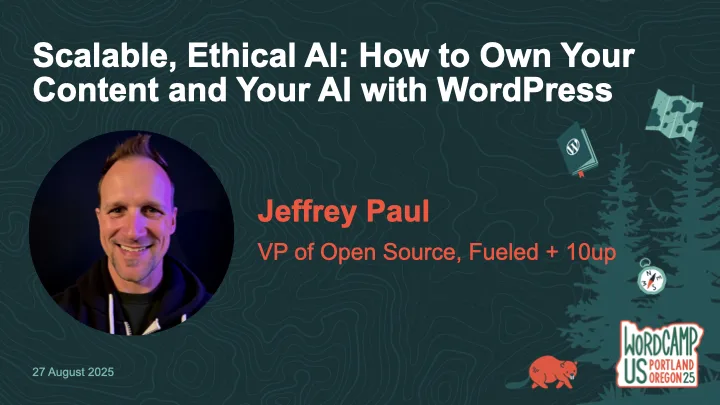
    Thanks to everyone who came to my workshop at WordCamp US 2025, Scalable, Ethical AI: How to Own Your Content and Your AI with WordPress.  While the workshop was not live-streamed, it was recorded and is available on WordPress.tv (and hopefully YouTube soon).

    The description of the workshop is as follows:

    AI is becoming standard in content workflows—but too often, it comes at the cost of data privacy, long-term ownership, and open standards.  What if WordPress could help you do AI differently?

    In this workshop, we’ll go hands-on with ClassifAI and local LLMs to explore how AI features can be built ethically and scalably—from alt text generation to semantic classification to content summarization.  You’ll learn how to configure ClassifAI with a local model via Ollama or any compatible runner, using the new AI Services plugin developed by the WordPress Core AI Team.

    We’ll walk through real-world use cases and show how teams can reduce third-party dependencies while speeding up editorial flow—especially useful for enterprise content teams, agencies, and hosts.  You’ll leave with a working configuration (or clear path to one), plus a roadmap of how these tools are evolving across the WordPress ecosystem.

    Bring your laptop and a local or staging WordPress site if you’d like to follow along.  Whether you’re building for one site or 10,000, this workshop will help you make AI work for you—not the other way around.

    If you missed the workshop or had troubles following along (sorry!), then below are my slides as well as a reference to the prerequisite setup steps to be prepared for the workshop.

    Finally, here’s the on-demand workshop:

    Fediverse Reactions
  • Get Ready for My WCUS 2025 Workshop: Set Up Your Local AI-Powered WordPress Environment

    Get Ready for My WCUS 2025 Workshop: Set Up Your Local AI-Powered WordPress Environment

    If you’re joining my Scalable, Ethical AI workshop at WordCamp US 2025, we’re going hands-on with building privacy-friendly, locally-powered AI workflows right inside WordPress.  By the end of the workshop, you’ll leave knowing how to own both your content and your AI.

    This guide will help you prepare your laptop ahead of time so you can spend less time troubleshooting and more time experimenting with tools like ClassifAI and Ollama.  By doing this setup in advance, you’ll spend more time exploring the features and asking questions and less time downloading files during the workshop.

    Step 1. Set Up Your Local WordPress Environment

    The fastest way to get started is with tools like WordPress Studio, LocalWP, or DevKinsta that spin up a fully functional local site in minutes.  If you’ve got something else you like/use, then by all means use that!

    • Download and install WordPress 6.8 (PHP 8.1 or newer recommended)
    • Create a new local site
    • Confirm you can log into your WordPress dashboard

    Step 2. Install the ClassifAI Plugin

    ClassifAI is the AI integration plugin we’ll use throughout the workshop.

    • Download it from classifaiplugin.com
    • Or grab it directly from GitHub
    • Upload and install via Plugins → Add New
    • We’ll activate and configure it together during the workshop, but feel free to test it out before then!

    Step 3. Install Ollama for Local AI Models

    We’ll use Ollama to run AI models locally, keeping your content private and your workflows fully under your control.

    1. Download and install Ollama for your operating system.
    2. Pre-pull the four models we’ll use in the workshop:
    ollama pull qwen2.5:3b-instruct-q4_0
    ollama pull phi3:mini
    ollama pull all-minilm:l6-v2
    ollama pull moondream:v2

    Step 4. (Optional) Configure ClassifAI to Use Ollama

    We’ll work through this during the workshop, but if you’re wanting to get ahead of things then feel free to set up these features.  Once ClassifAI and Ollama are installed, we’ll connect each feature to a local model:

    FeatureModelPurpose
    Content Generationqwen2.5:3b-instruct-q4_0Drafts high-quality content locally
    Title Generationphi3:miniSEO-friendly, engaging post titles
    Excerpt Generationphi3:miniClean, concise summaries
    Content Resizingphi3:miniExpand or condense paragraphs on demand
    Key Takeawaysphi3:miniExtract key insights automatically
    Classificationall-minilm:l6-v2Suggests categories and tags locally
    Alt Text Generationmoondream:v2Privacy-safe image descriptions

    Step 5. Test Your Setup

    To confirm everything is working:

    ollama run phi3:mini "Hello from WCUS workshop setup"

    The above should respond with a simple message from Ollama (via the phi3:mini model), though in my testing it will almost certainly NOT get the WCUS acronym correct ;).

    If you did the optional ClassifAI configurations in Step 4, then test those are working as expected:

    1. Create a new draft post in WordPress.
    2. Use Title Generation or Content Generation from ClassifAI.
    3. Verify that a response comes back successfully.
    4. If something isn’t working, try restarting Ollama:
    ollama run

    Step 6. (Optional) Load Sample Content

    If you’d like extra material to test during the workshop, you can download the sample content that I’ve assembled.  I’ll provide USB drives with this sample posts, images, and taxonomy terms on the day of the workshop as well.

    To load them:

    • Go to Tools → Import → WordPress
    • Upload the provided XML file
    • Import posts, pages, and media assets

    Additional Resources

    • ClassifAI – Local Media HTTP: a small ClassifAI extension to serve attachments over http on .local sites
    • ClassifAI – Ollama Timeout: a small ClassifAI extension to increase the HTTP timeout for requests to Ollama on localhost
    • WordPress AI team: whether you’re an engineer, designer, researcher, or just curious about AI, we’d love to have you involved as we shape the future of AI in WordPress

    See You at WCUS!

    I can’t wait to connect with folks in-person at WordCamp US 2025 and dig into how we can own our content and our AI using WordPress, ClassifAI, and locally-powered workflows.

    Whether you’re a developer, editor, or site owner, you’ll hopefully leave the workshop with a hands-on understanding of how to bring scalable, ethical AI into your publishing stack without handing your data over to external platforms.

    Fediverse Reactions