TL;DR: Coding agents are focused on completing tasks, not necessarily following a project’s contribution rules. Better instructions can help, but maintainers shouldn’t have to duplicate documentation across formats or rely on agents to police themselves. Existing review and contribution workflows remain essential.
The researchers tested four AI models against contribution policies across 49 repositories and found that agents rarely sought out those policies on their own. Even when explicitly reminded, they continued to contribute to projects that prohibited AI-generated code.
One point I raised in the article is that adding an AGENTS.md files isn’t necessarily the solution because too often these files duplicate existing contributor documentation, creating another place maintainers need to keep docs updated.
I’ve been experimenting with maintaining a single local AGENTS.md file and carrying those instructions across the coding tools I use (e.g. into Claude’s CLAUDE.md file). It’s not perfect, but it helps establish consistent expectations about discovering and respecting repository-specific guidelines.
My takeaway is that we need to focus less on creating additional documentation and more on making existing policies discoverable, consistent, and enforceable.
AI search platforms are already evolving to include links back to sources, and future monetization models may resemble Google Ads.
Fast forward to this week, when ChatGPT showed me an in-product notice about ads appearing in chats, linking to OpenAI’s Testing ads in ChatGPT announcement. OpenAI began testing ads in the U.S. in February, and this week’s update expands ChatGPT Ads to the UK, Mexico, Brazil, Japan, and South Korea.
The ads appear below ChatGPT responses, clearly labeled as sponsored and separate from the answer itself. But here’s where the Google Ads comparison gets interesting: when multiple ads are eligible, OpenAI says it considers both relevance and advertiser bids when deciding which one appears first.
Much like businesses have spent decades competing for paid visibility alongside search results, they’ll now need to think about paid visibility alongside AI-generated answers. OpenAI is already offering advertisers campaigns, budgets, targeting, bidding, and cost-per-click or cost-per-thousand-impression buying models. Google Ads for LLMs isn’t theoretical anymore. The future is here.
At first glance those might seem like unrelated conversations. One focuses on sustainability and business models, while the other looks at contributor behavior and code quality. But they are both signals of a deeper change in how developers discover, learn from, and contribute to open source projects.
Having spent years working in open source communities, particularly in the WordPress ecosystem, the patterns maintainers are seeing right now feel meaningfully different. Open source has always been foundational infrastructure for the web for better or worse, but AI is amplifying that role in ways that are both exciting and challenging for the communities that sustain it for better or worse.
Many modern AI systems are built on open source frameworks, and large language models have been trained on enormous bodies of publicly available code. At the same time, developers are increasingly using AI-powered tools to generate code, debug problems, and explore unfamiliar technologies, and the answers those tools produce often rely heavily on open source libraries, patterns, and documentation.
In other words, open source is not becoming less important in the age of AI. If anything, it is becoming even more central to how software gets built.
What is changing is how developers engage with the projects behind that infrastructure. Traditionally, developers discovered and learned about open source projects through documentation, issue discussions, conference talks, blog posts, and direct interaction with maintainers and contributors. Over time they built a mental model of how a project worked, what problems it was designed to solve, and how to contribute effectively.
AI tools reshape that feedback loop. Instead of reading documentation or exploring issues, developers can increasingly ask an AI assistant for an answer and receive working code or configuration suggestions almost immediately. The AI draws from documentation, source code, and examples to generate a solution, often without requiring the developer to interact directly with the project itself.
That shift is incredibly powerful and can dramatically accelerate development, but it also creates a more indirect relationship between developers and the communities behind the tools they rely on. Developers can benefit from open source projects without ever encountering the maintainers, reading the roadmap, or participating in the conversations that shape how those projects evolve. But… is that a good thing, that separation?
Maintainers are also beginning to feel the effects of AI from another direction. Across many open source projects, maintainers are seeing a noticeable increase in AI-assisted contributions. Some of these contributions are thoughtful and well considered, and AI can absolutely help people get started with open source or explore parts of a codebase that might otherwise feel intimidating.
But there is also a growing pattern of pull requests that appear to have been largely generated by AI without a clear understanding of the issue they attempt to address. In those cases the code might compile or appear plausible, but the proposed changes often do not reflect the architectural decisions or design constraints of the project.
Maintainers then spend significant time reviewing, explaining, or rejecting contributions that ultimately add more overhead than value. When multiplied across dozens or hundreds of submissions, that review burden can quickly become a real source of strain for projects that are already maintained by small teams or volunteers.
None of this means AI is bad for open source. In many ways it has the potential to strengthen the ecosystem by helping developers ramp up more quickly, improve documentation, and lower the barrier to entry for contributors who want to participate but do not yet feel comfortable navigating a large codebase.
At the same time, open source communities will likely need to develop new norms around how AI is used within contribution workflows. That might mean encouraging contributors to submit smaller and more focused pull requests, ensuring they understand the problems they are trying to solve before generating code, and being transparent about when AI tools were involved in producing a proposed change. It may also mean thinking more intentionally about how maintainers can manage increasing contribution volume without burning out.
These are conversations already happening in several open source communities, including WordPress. With more than 40% of the web running on WordPress, the ecosystem offers an interesting lens into how large open source projects may adapt to AI-assisted development. The WordPress AI team and initiatives like the AI Experiments plugin are exploring how AI capabilities can be integrated into the platform while still maintaining healthy contributor workflows and sustainable community practices.
The two LeadDev articles that sparked this reflection looked at different problems, but both point toward the same broader transformation. AI is making open source more widely used, more visible, and more deeply embedded in the development process than ever before, while at the same time reshaping the relationship between developers and the projects they depend on.
In many ways, AI is increasing the demand for open source while simultaneously increasing the maintenance burden on the people who sustain it. The tools that make it easier to generate code, build applications, and experiment with new technologies are often powered by the very projects that maintainers are now struggling to keep up with.
Open source communities have adapted to major shifts before. Package managers, centralized collaboration platforms like GitHub, and the rise of cloud infrastructure all reshaped how developers build and collaborate. AI feels like another one of those moments where new tools dramatically expand what developers can do while also forcing communities to rethink how they sustain the projects that make that innovation possible.
AI will continue to make it easier to generate code, explore new tools, and build software faster than ever before. But the infrastructure that makes that possible still depends on maintainers, contributors, and communities that invest their time and expertise into open source projects.
If AI is going to accelerate development, it should also raise the bar for how thoughtfully we engage with the projects we depend on. That means understanding the problems we’re solving, contributing responsibly, and recognizing that open source doesn’t sustain itself.
There is a moment every year when the lights dim, the livestream timer counts down, and the room settles into that familiar mix of quiet and anticipation. This year, State of the Word left me with a feeling I have not had in a long time. It felt like all the threads of AI work happening across WordPress finally came together.
If you have not watched the replay, it is worth it.
Before I dig into the part I had the privilege of contributing to, here is a quick sense of how the event landed for me.
The WordPress AI panel and the shift happening in real time
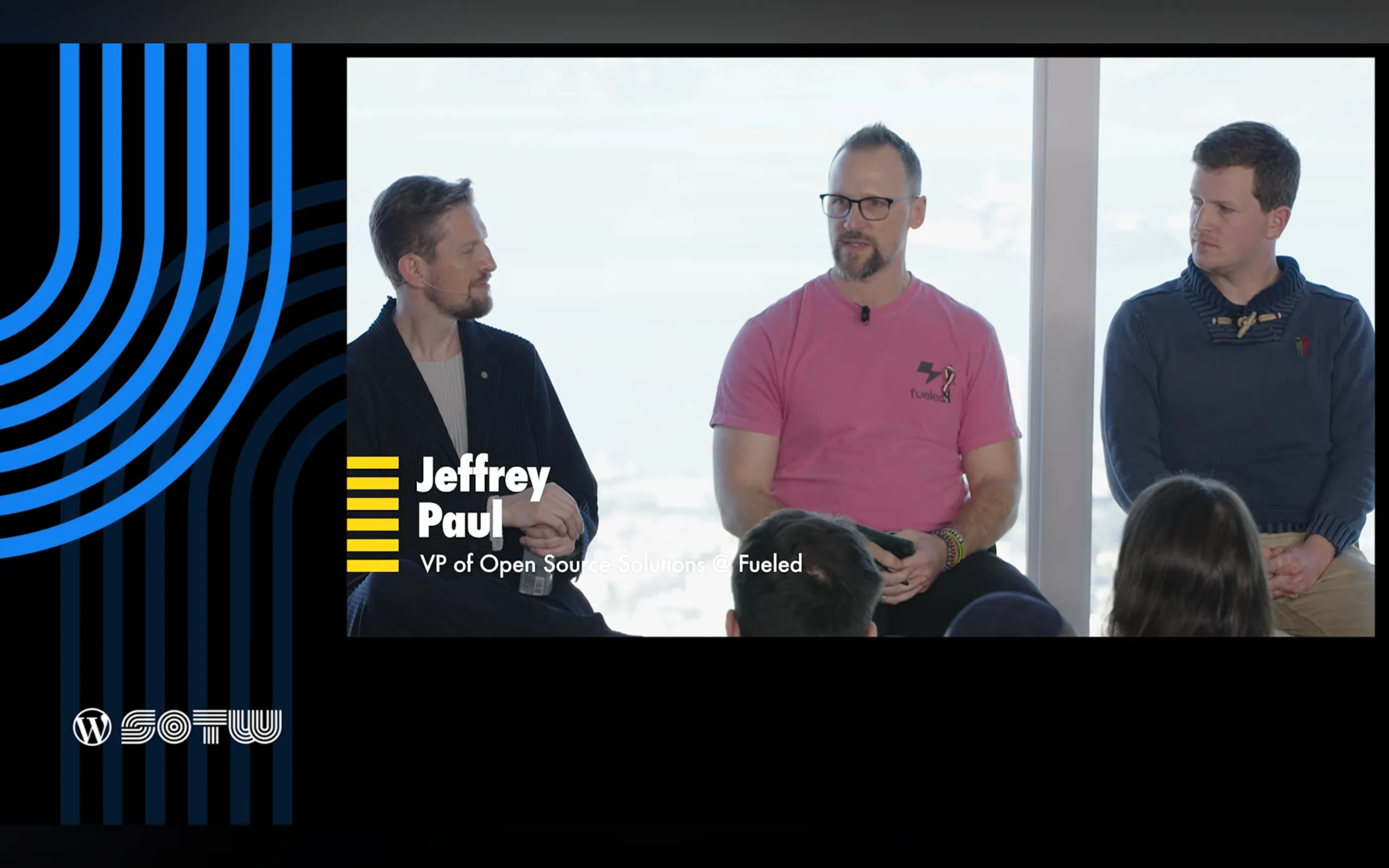
One of the highlights of my year was joining the AI panel hosted by Mary Hubbard, alongside Matt Mullenweg, Felix Arntz, and James LePage. Sitting on that panel, hearing how each of us approached AI from different angles, I realized we were not just discussing features. We were describing a shift in how people will build and maintain sites in the coming years.
This is where the “obvious and surprising things” came up. These were ideas I shared during the panel, because they reflect what I have seen across Fueled (and 10up) client work, ClassifAI development, and now the AI Experiments plugin.
The obvious things
These are the patterns everyone expected to see, and they are becoming mainstream faster than many predicted.
Chat-based search showing up as a natural extension of site discovery
Local and in-browser models that run privately, offline, and at very low cost
AI-driven brand visibility (aka “GEO” or Generative Engine Optimization)
Content distribution and translation workflows that used to require entire engineering teams now becoming almost trivial
These trends feel obvious only because the groundwork has been quietly laid for years.
The surprising things
The twist this year came from watching how people are starting to use the new Notes feature in WordPress 6.9.
I mentioned this on the panel because it caught me off guard when I saw it bubbling up within the community during the 6.9 release cycle. People are already experimenting with AI-driven content review inside Notes. Imagine WordPress calling out accessibility issues, shifts in tone, or sections where your writing reads differently than you intended. These are editorial tools that used to require specialized software. Now they are emerging directly inside WordPress.
That is when it hit me. The AI conversation in WordPress is no longer about novelty. It is about workflow, quality, and confidence.
A journey that started long before this State of the Word
For me, this work did not start with the AI Experiments plugin. It started in 2018 when the 10up team built the first version of ClassifAI for a client who needed content classification at scale. We open-sourced it in 2019 and kept evolving it as real publishers and agencies pushed its limits.
Those years shaped everything I know about AI inside WordPress. They taught me how AI fits into editorial workflows, when AI should require human review versus full automation, how permissions and provider selection affect trust, and how failure states must be designed with care. Those lessons are now embedded in the AI Experiments plugin.
ClassifAI will continue serving enterprise use cases with deep configurability. It will adopt the Abilities API, MCP adapter, and WP AI Client as those stabilize in the ecosystem.
The AI Experiments plugin takes a different path. It offers simple, approachable example AI experiments for non-technical users, while also serving as a reference for developers, agencies, and hosts who want to build AI powered features for their customers.
Each of these experiments helps us learn how people want to use AI inside their workflows, and which features could grow into stable tools inside core one day.
Looking ahead
This year’s State of the Word left me excited about something simple.
We are not racing toward AI.
We are shaping AI so it fits naturally into the way people already work in WordPress.
We are building an ecosystem where:
open tools remain the default (I’m specifically passionate about open source, local LLMs)
user choice stays central
and AI enhances creativity instead of replacing it
If you want to explore the AI Experiments plugin or get involved, you can follow everything in the open: https://github.com/WordPress/ai. And if you have ideas or want to push the boundaries of what is possible, I would love to hear them.
I had the privilege of speakingtwice at WordCamp Canada (“WCEH”; as in WordCamp, eh?)this year but had to leave before Matt Mullenweg’s town hall because of a family emergency. After catching up later through his recap post, I was struck by how much ground he covered, from personal publishing tools and encrypted journaling to AI, open media, and the future of the web itself.
His remarks touched on several themes that feel central to WordPress’s next chapter: helping people reclaim their online identities beyond centralized platforms, and navigating the tension between openness and authenticity as AI reshapes how we create and trust content.
I wanted to ask Matt two questions that build on those ideas about the role WordPress can play in making “publish once, syndicate everywhere” a reality, and how it might help rebuild trust in what’s real online.
Let me give a little update on what I’ve been up to. My life’s mission is to democratize publishing, commerce, and messaging.
On the social side of publishing, I have Tumblr, which is a microblogging social network, but right now it’s on a different technical stack. I need to switch it over to WordPress, but it’s a big lift. It’s over 500 million blogs, actually, and as a business, it’s costing so much more to run than it generates in revenue. We’ve had to prioritize other projects to make it sustainable. It’s probably my biggest failure or missed opportunity right now, but we’re still working on it.
Day One is a fully encrypted, shared, and synchronized blogging and journaling app that runs on every device and on the web. You can also have shared encrypted journals with others. It uses the same encryption as one password. It’s the first place I go to draft an idea—for example, to write this talk. Its editor is not as good as Gutenberg yet, but it’s pretty decent at allowing multimodal input—which means you can record voice notes, draw things, etc.—and capturing it all. It’s mostly replaced Evernote, Simplenote, and even private P2s for me. It has some fun features, like when you make a new entry it records, the location, what music you’re listening to on Apple Music, how many steps you’ve taken, the weather. Honestly, some features that would be nice to get into WordPress, at least as a plugin.
So WordPress.com Studio is built on an open source project called Playground that we created to allow you to spin up WordPress in a WASM container in about 30 seconds, right inside your browser.
So my first question to Matt is this: WordPress powers much of the open web, but most people still publish primarily on centralized social platforms. There were some good talks at WCEH on the open web, the social web, and the indie web, shared by Dave Winer and Evan Prodromou this week and by Tantek Çelik at WCUS 2019. What role do you see WordPress, either in core or through plugins, playing to help people reclaim their online identity and make ‘publish once, syndicate everywhere’ a mainstream reality?
However, when AI creates a face, there’s no such restrictions there. So something that we could actually start to do, because right now I think we have some anti-AI rules in the photo directory, I think we should probably start to look at evolving that. So, for example, you can take a picture of me right now, change my face with AI to a face that has never existed, and that could be CC0-licensed and anyone in the world could use it. So I think there’s some possibilities there.
I also think there’s some opportunities to use AI analysis of all the photos to give a better semantic understanding and a better search that we currently offer, which right now is typically monollingual, I don’t think it translates well into the, you know, 60-plus languages that WordPress supports, and it’s manual tagging. So there might be things to do, like a more automated understanding, which, of course, gets better over time.
You know, we started to incorporate some of the AI models like Gemini and other things on WordPress.org to make us way more efficient on things like plug-in submissions and some code scanning. I actually think we’re very much in chapter one of where this is going to be.
So first I will say, I don’t want to say that there’s bad actors. I think there might be bad actions sometimes, and just temporarily bad actors who hopefully will be good in the future. You know, every saint has a past, every sinner has a future. I never want to define any company or any person as permanently good or bad. Let’s talk about actions.
Which leads to my second question for Matt: As AI makes it harder to tell what’s real online, trust in content is slipping. The Breaking News episode of RadioLab in 2019 showed how deepfakes blur the line between truth and fiction. How can WordPress and the open web help rebuild that trust? For example, could it support initiatives like the Content Authenticity Initiative that use open tools to verify the source and history of digital media?
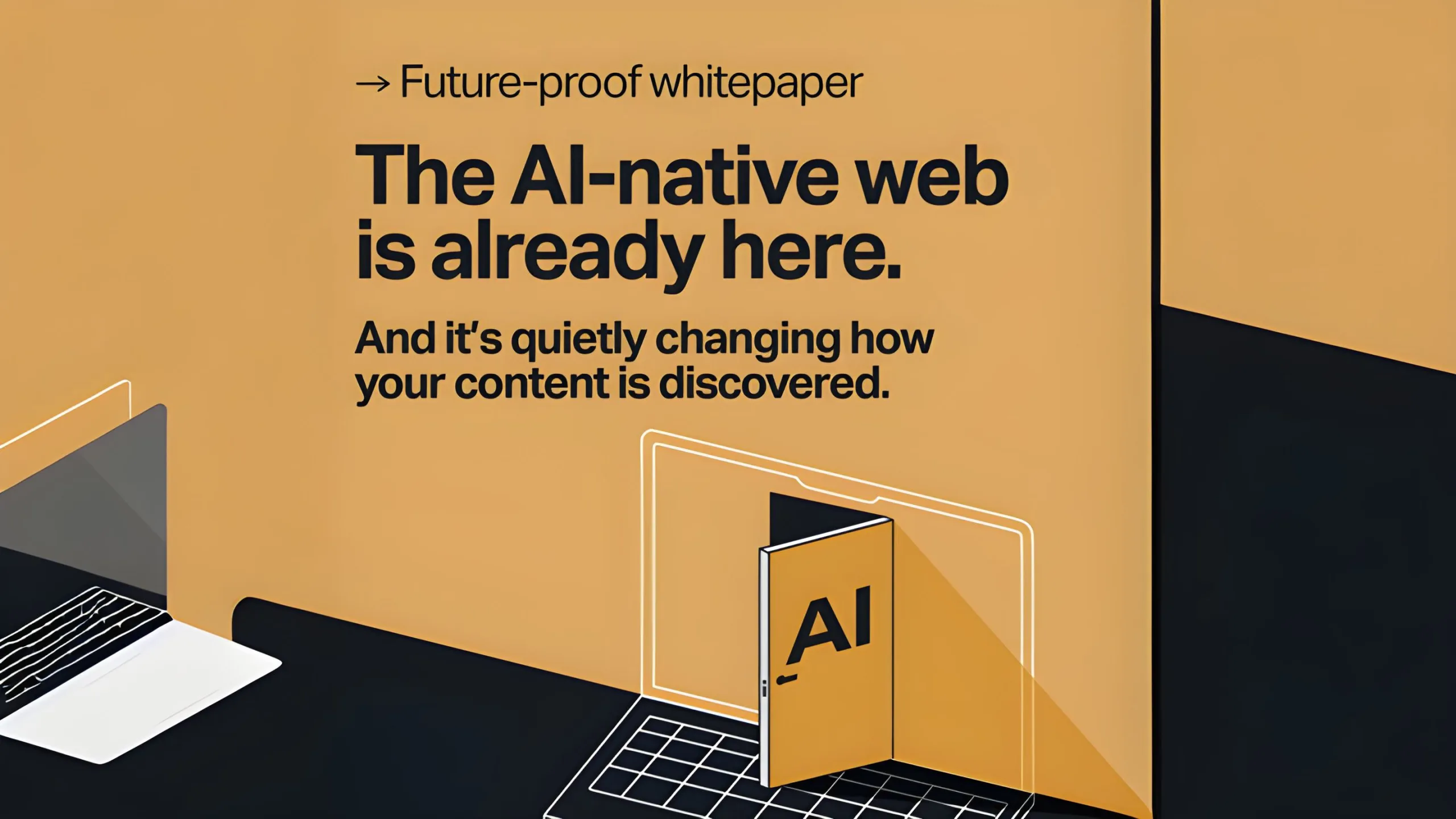
The rules of content, SEO, and customer engagement are being rewritten. Generative AI is reshaping discovery, pulling reliable traffic into AI-generated summaries, and shifting customer journeys. Enterprises without a plan risk losing visibility just as the AI-native web takes hold.
That is why this collaboration matters. The whitepaper brings together perspectives from WordPress VIP, Automattic, Human Made, and Fueled to outline how enterprise teams can adapt before it is too late:
How AI is disrupting search and why organic traffic is dropping
What leading enterprises are doing now to stay visible
Why structured content, open standards, and AI-native tooling are key to performance and flexibility
Real-world strategies for personalization and AI-assisted publishing
In my contribution, I highlighted several areas where enterprises should be paying close attention:
AI search platforms are already evolving to include links back to sources, and future monetization models may resemble Google Ads.
Brands need to deliver richer digital experiences that go beyond what AI can summarize. Case studies, guides, and in-depth assets can turn an AI-driven click into a meaningful customer connection.
At Fueled, we are using AI to accelerate prototyping and mockups, which frees our teams to focus more energy on creativity and quality.
“Enterprises need to deliver richer digital experiences that go beyond what AI can summarize. That is where real customer connection happens.”
— Jeffrey Paul (hey, that’s me!)
The AI-native web is already here. The question is how quickly organizations can adapt.
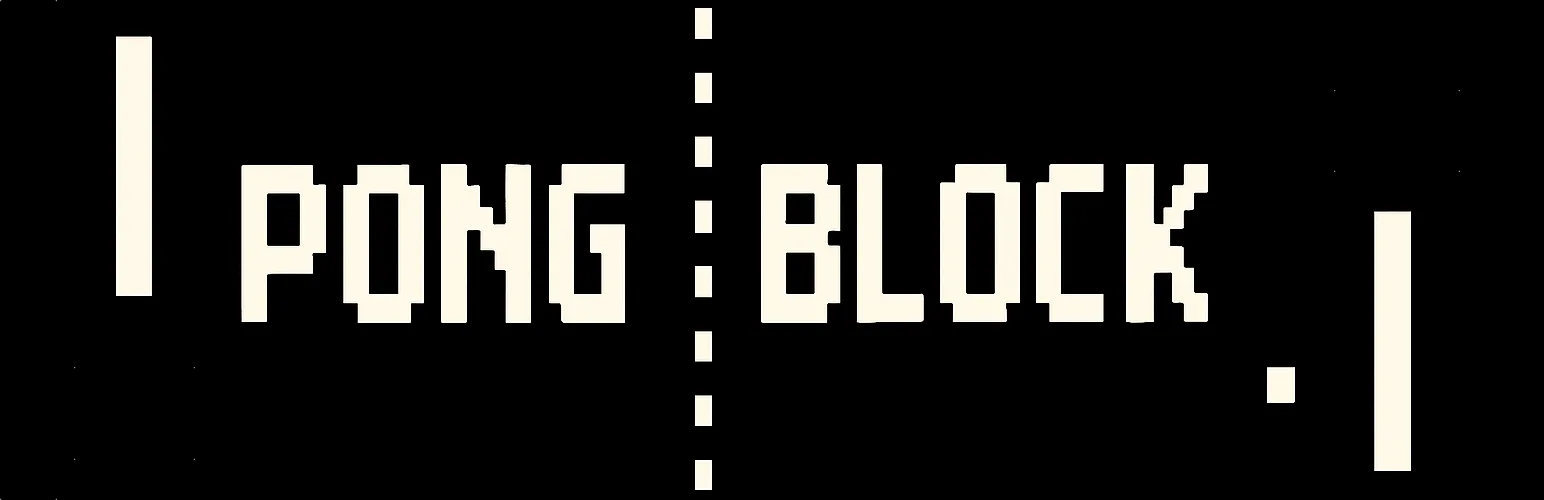
I’m excited to share something lighthearted and experimental: Pong Block, a new WordPress block plugin available on WordPress.org and GitHub. As the name suggests, it brings a playable version of Pong right into your posts and pages, modeled loosely on PongGame.org and the Wikipedia history of Pong.
Try it now!:
Built with Telex
I built Pong Block using Telex from Automattic after hearing about it in Matt Mullenweg’s WCUS 2025 keynote. Compared to my tests with Cursor, Cline, and Copilot, Telex’s scaffolding was refreshingly lean, just enough to be useful without burying me in files or modern build systems. Too often, the modern WordPress plugin tooling world can balloon into layers of complexity. Telex avoided most of that, spitting out something usable and lean that I could quickly shape into a finished plugin.
Why simplicity matters
Block development has gotten powerful, but also heavy. For small creative plugins like adding a Pong game to a site, you don’t always need the full commercial plugin setup. Telex struck a balance: it scaffolded enough to be practical without burying me in unnecessary files or modern build systems.
That simplicity is why I’d recommend Telex to anyone curious about experimenting with block plugin creation. It feels like a fast way to explore an idea and get it live.
Why Pong?
The idea traces back to an August 6th core devchat, where Ben Dwyer asked what block could never be core-worthy. Tammie Lister jokingly said “Pong block.” I decided to run with the idea as a playful benchmark for AI coding tools: could they generate something whimsical, yet usable? Telex was the first to nail it.
What’s next
I plan to keep experimenting. I’d like to test Telex against a few other block plugin concepts and compare results with other AI vibe coding tools. Cline, in particular, has caught my attention thanks to Adam Silverstein’s talk at WCUS 2025.
For now, though, I hope you enjoy Pong Block as a playful example of what’s possible when you mix classic games, WordPress blocks, and a little AI help.
Give it a spin, fork it, or drop me feedback. And if you’ve been curious about Telex, I’d say it’s worth checking out, especially if you’ve been turned off by overly complex AI-generated scaffolds elsewhere.
AI is becoming standard in content workflows—but too often, it comes at the cost of data privacy, long-term ownership, and open standards. What if WordPress could help you do AI differently?
In this workshop, we’ll go hands-on with ClassifAI and local LLMs to explore how AI features can be built ethically and scalably—from alt text generation to semantic classification to content summarization. You’ll learn how to configure ClassifAI with a local model via Ollama or any compatible runner, using the new AI Services plugin developed by the WordPress Core AI Team.
We’ll walk through real-world use cases and show how teams can reduce third-party dependencies while speeding up editorial flow—especially useful for enterprise content teams, agencies, and hosts. You’ll leave with a working configuration (or clear path to one), plus a roadmap of how these tools are evolving across the WordPress ecosystem.
Bring your laptop and a local or staging WordPress site if you’d like to follow along. Whether you’re building for one site or 10,000, this workshop will help you make AI work for you—not the other way around.
If you missed the workshop or had troubles following along (sorry!), then below are my slides as well as a reference to the prerequisite setup steps to be prepared for the workshop.
If you’re joining my Scalable, Ethical AI workshop at WordCamp US 2025, we’re going hands-on with building privacy-friendly, locally-powered AI workflows right inside WordPress. By the end of the workshop, you’ll leave knowing how to own both your content and your AI.
This guide will help you prepare your laptop ahead of time so you can spend less time troubleshooting and more time experimenting with tools like ClassifAI and Ollama. By doing this setup in advance, you’ll spend more time exploring the features and asking questions and less time downloading files during the workshop.
Step 1. Set Up Your Local WordPress Environment
The fastest way to get started is with tools like WordPress Studio, LocalWP, or DevKinsta that spin up a fully functional local site in minutes. If you’ve got something else you like/use, then by all means use that!
Download and install WordPress 6.8 (PHP 8.1 or newer recommended)
Create a new local site
Confirm you can log into your WordPress dashboard
Step 2. Install the ClassifAI Plugin
ClassifAI is the AI integration plugin we’ll use throughout the workshop.
Step 4. (Optional) Configure ClassifAI to Use Ollama
We’ll work through this during the workshop, but if you’re wanting to get ahead of things then feel free to set up these features. Once ClassifAI and Ollama are installed, we’ll connect each feature to a local model:
Feature
Model
Purpose
Content Generation
qwen2.5:3b-instruct-q4_0
Drafts high-quality content locally
Title Generation
phi3:mini
SEO-friendly, engaging post titles
Excerpt Generation
phi3:mini
Clean, concise summaries
Content Resizing
phi3:mini
Expand or condense paragraphs on demand
Key Takeaways
phi3:mini
Extract key insights automatically
Classification
all-minilm:l6-v2
Suggests categories and tags locally
Alt Text Generation
moondream:v2
Privacy-safe image descriptions
Step 5. Test Your Setup
To confirm everything is working:
ollama run phi3:mini "Hello from WCUS workshop setup"
The above should respond with a simple message from Ollama (via the phi3:mini model), though in my testing it will almost certainly NOT get the WCUS acronym correct ;).
If you did the optional ClassifAI configurations in Step 4, then test those are working as expected:
Create a new draft post in WordPress.
Use Title Generation or Content Generation from ClassifAI.
Verify that a response comes back successfully.
If something isn’t working, try restarting Ollama:
ollama run
Step 6. (Optional) Load Sample Content
If you’d like extra material to test during the workshop, you can download the sample content that I’ve assembled. I’ll provide USB drives with this sample posts, images, and taxonomy terms on the day of the workshop as well.
ClassifAI – Ollama Timeout: a small ClassifAI extension to increase the HTTP timeout for requests to Ollama on localhost
WordPress AI team: whether you’re an engineer, designer, researcher, or just curious about AI, we’d love to have you involved as we shape the future of AI in WordPress
See You at WCUS!
I can’t wait to connect with folks in-person at WordCamp US 2025 and dig into how we can own our content and our AI using WordPress, ClassifAI, and locally-powered workflows.
Whether you’re a developer, editor, or site owner, you’ll hopefully leave the workshop with a hands-on understanding of how to bring scalable, ethical AI into your publishing stack without handing your data over to external platforms.
With WordCamp US just around the corner, one might about any new Wapuu designs on company swag in Portland. A couple weeks ago on vacation with my family, I was walking the beach boardwalk with our kids and saw several Labubus being swung around or otherwise attached to kids’ slingbacks. My brain immediately went to “what would a mashup of a Wapuu and a Labubu look like?” and just as quickly started prompting ChatGPT with image generation requests to get an answer.
The 4o model did a pretty great job from my initial, simple boardwalk-based prompt of “Can you design a mashup of a Labubu and a Wapuu?” even nailing the mashup name of “Wabubu”:
Absolutely — just to clarify first: are you imagining this mashup as a character illustration, a 3D model, or something else (e.g. plush, toy concept, sticker art)?
Assuming you’re looking for a character design mashup between Labubu (the mischievous, spiky-toothed character from The Monsters series by POP MART) and Wapuu (the cuddly WordPress mascot), here’s an idea for the concept:
Labubu × Wapuu Mashup Design Concept
Name: Wabubu
Core Traits Blended:
Wapuu body shape: round, simple, chibi proportions, friendly pose
Labubu face: mischievous wide smile, prominent buck teeth, large ears, and wild hair
Wapuu accessories: hugging the WordPress logo (or an alternate WP-related item like a laptop, Gutenberg block, or code bracket)
Wapuu’s round face but with Labubu’s wide, toothy grin and pronounced front teeth
Big mischievous Labubu-style eyes (slightly tilted, giving a prankster vibe)
Fluffy tufts of Labubu’s wild hair, slightly unkempt, poking out behind ears
Long pointed ears, one flopped down playfully
Body:
Retain Wapuu’s soft, rounded body and paws holding the WordPress logo
Covered in soft fur with Labubu’s tiger-like stripes subtly hinted in the texture
Small tail – could be a hybrid of Wapuu’s squirrel-style and Labubu’s wilder brush tail
Color Palette:
Golden yellow fur base (like Wapuu), but with darker brown/orange accents from Labubu
Blue-and-white WordPress logo contrasts nicely for emphasis
Pose Ideas:
Cheeky grin, clutching the WordPress logo sideways like it just stole it
One paw giving a “peace” sign or tiny devil horns
Sitting on a stack of code books or on top of a WordPress admin dashboard
Would you like me to generate an image of this version of Wabubu for you? If you want it to look more cute or more punk/mischievous, I can adjust the balance accordingly. Just let me know!
The first two generated images, however, missed the mark:
Even asking ChatGPT to show me what it thought was a Wapuu and a Labubu in a basic “a plus b equals c” sort of image was a struggle to get the entire image within the output:
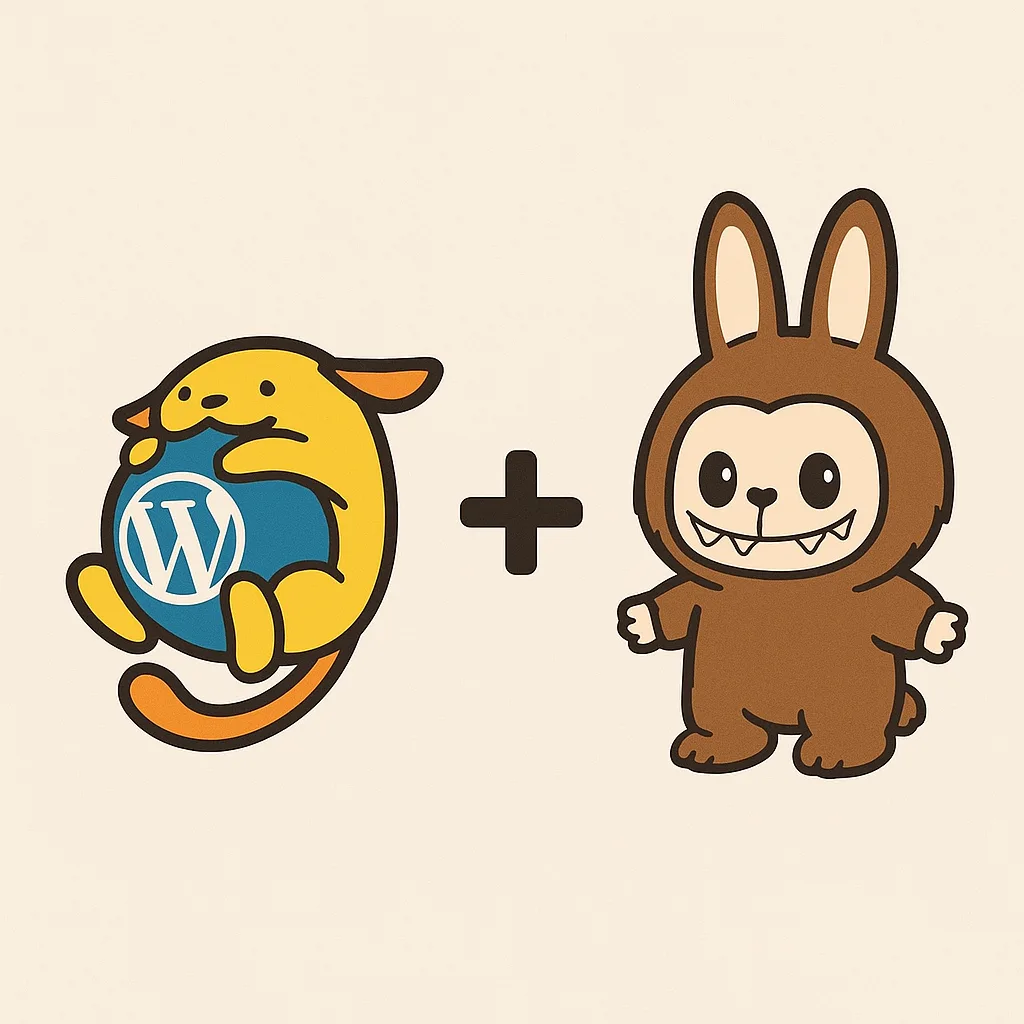
At that point it was obvious that ChatGPT wasn’t super clear on what a Labubu looked like and needed a lot more coaching to create a landscape image of the mashup creation. So I shared an image of the first Wapuu and Labubu image from a quick web search to better define the image generation request and that immediately yielded better results:
From there it was much better at hitting what I was looking for in the Wabubu mashup both in a friendlier Wapuu version and a mischievous Labubu version:
At this point I felt it had nailed the general concept and started asking it to create different image style variants based on quick prompt variations:
Wabubu 3D plush Labubu styleWabubu 3D plush Wapupu styleWabubu full character sheet for animations or merchWabubu Studio Gibli versionWabubu Japanese anime versionWabubu Bob Ross painting versionWabubu 80s hair band plus neon imagery styleWabubu spider verse style animationWabubu origami paper animal versionWabubu studio laika claymation styleWabubu black and white coloring book styleWabubu Tim Burton gothic styleWabubu pixel art / 16-but sprite sheetWabubu kawaii bento box styleWabubu y2k vaporware aestheticWabubu chibi styleWabubu low-poly 3D renderWabubu embroidery patch style
Ironically with all the fun I had peppering ChatGPT with image generation variations I hit the cap of my monthly plan limit of image generations (yes, there are some variants and generations that I didn’t include here because they were just _bad_).
So at this point, ahead of WCUS, I’m curious… which of these are your favorite Wabubu variant? Which would you want physical merch of? What other image variants would you create? Do you prefer the more friendly Wapuu or the more mischievous Labubu variants? Which style do you think would make an epic enamel pin, plush toy, or swag giveaway at WordCamp US? Let me know your pick, or suggest a new mashup idea!